Administration, Agents & Alerts
The Settings view is the administrative control plane for StackPilot. Most changes on this page require an admin account. Review a change before saving it: a path or runtime change can affect every enrolled host.
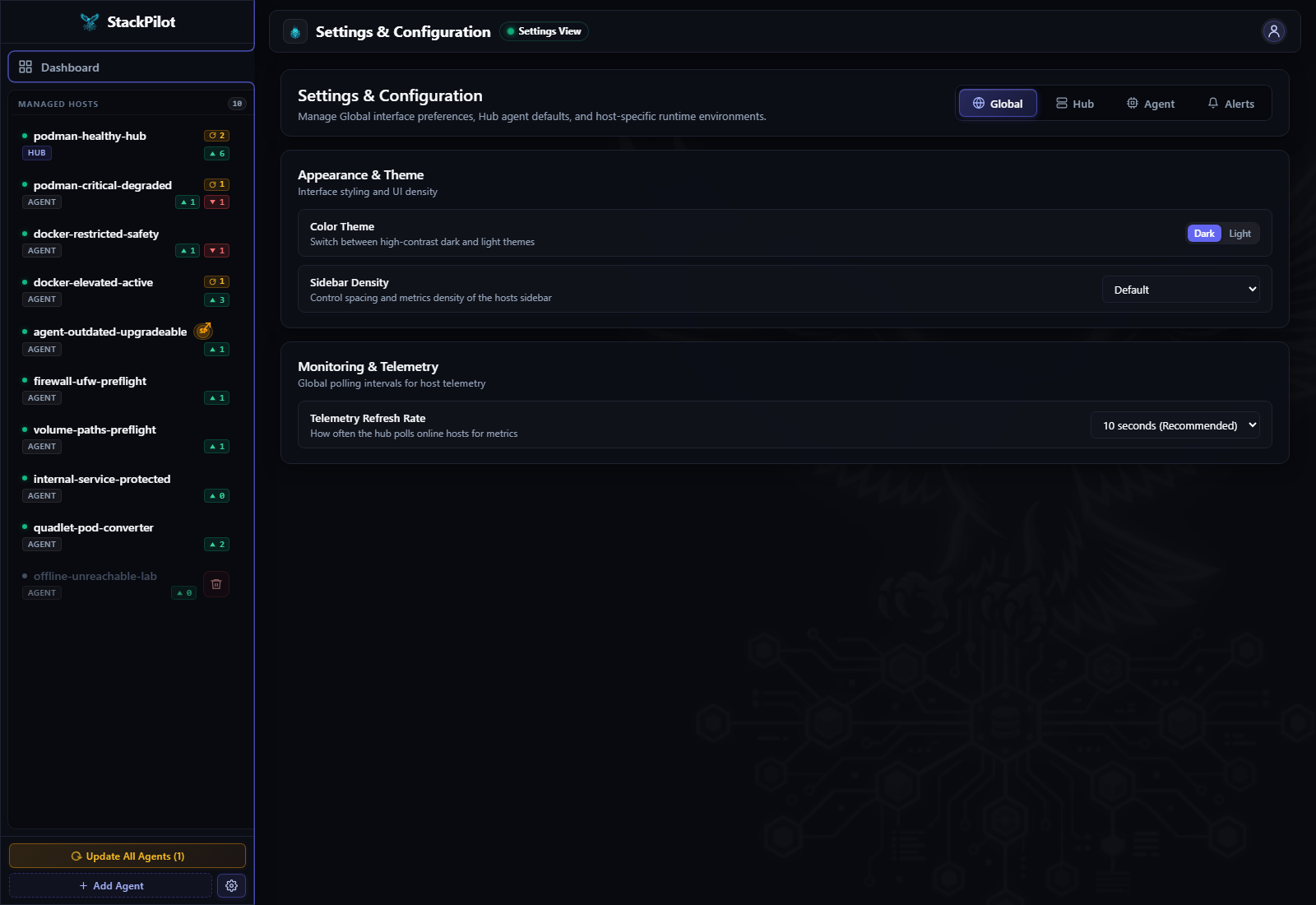
This mock-server capture illustrates the global settings scope. Host, agent, and alert controls are available from the same view.
Settings Scopes
| Scope | Use it for | Primary actions |
|---|---|---|
| Global | Hub-wide defaults | Set interface preferences, default agent paths, backup behavior, and fleet migrations. |
| Host | One managed node | Set the runtime, managed paths, monitoring rules, and node-specific notifications. |
| Access | Hub users | Create local users and assign the available role. |
Add, Update, or Remove an Agent
- Select Add Agent in the sidebar.
- Enter the host address and choose its runtime and management mode.
- Review the generated installation command, then run it on the target host if you are not using the in-Hub deployment flow.
- Wait for the host to report online before managing workloads.
The dashboard surfaces an Update Agent action for an outdated node and Update All Agents when multiple nodes need the same update. Updating an agent restarts its service briefly; use a maintenance window for production hosts.
To remove a host, use the host removal control in the dashboard. This removes StackPilot management metadata; it does not delete workloads or uninstall the agent from the host. Remove the agent service separately when decommissioning a server.
Paths, Runtime, and Fleet Migrations
StackPilot keeps application configuration, data, logs, and backup locations within managed roots. Configure defaults before enrolling hosts, then use the host-specific settings when one node requires a different layout.
- Save Hub Defaults affects defaults used for new deployments.
- Save Configuration under a selected host updates that host's agent configuration.
- Migrate Existing Agents and Migrate Filesystem Paths move managed files from an old root to a new one. Confirm the source and destination, ensure sufficient free space, and retain a backup until you have validated the migrated workloads.
Do not use a migration to adopt arbitrary existing directories. Add or verify managed roots first, and use the volume-file tools in the workload editor for files that need to remain within StackPilot's path controls.
User Access
Local authentication is initialized on first use. Administrators can create additional local users from Settings → Access. Use the least-privileged role:
| Role | Intended access |
|---|---|
| Viewer | Read fleet status and telemetry. |
| Operator | Run routine workload operations and inspect logs. |
| Admin | Change configuration, use terminals, manage users and agents, and run destructive operations. |
For deployments behind a compatible forward-auth proxy, see Forward-Auth & Reverse Proxy. Keep at least one tested administrator path available before changing authentication settings.
Critical Monitoring and Recovery
Critical policies are host-specific. They define workloads that StackPilot monitors and, when configured, attempts to restart after failures. In the selected host's settings:
- Add or update the critical workload policy.
- Configure restart attempts and alert thresholds.
- Save the monitor configuration.
- Use Run Check to verify that the agent can evaluate the policy.
Automated recovery is not a substitute for health checks, backups, or incident review. Inspect the workload logs and the host condition after any automatic restart.
Notifications
Configure alerts globally or per host, then use Test Notifications before relying on them. Supported configured destinations are shown in the interface, including Telegram, Discord, MQTT, and webhook integrations where enabled.
- Secrets are masked after saving. Use Clear only when rotating or disabling a credential.
- A host-specific notification configuration is useful for routing a production node differently from lab hosts.
- A successful test proves delivery for that configuration at that moment; it does not validate all future network or provider conditions.
Pre-Change Checklist
- Confirm you are editing the intended scope—global defaults or a named host.
- Record existing paths and keep an independent backup before migrations.
- Test alerts and critical-monitor policies after saving them.
- Confirm the host returns online and workloads reach their expected state.